

We are working in Koala Sampler! In the previous card, we created our own beat: a rhythm. Now we will save it as a recording.
If you do not have your own rhythm yet, go back to the previous card: Create Your First Beat.
Step 1: Go to the Sequence Tab#
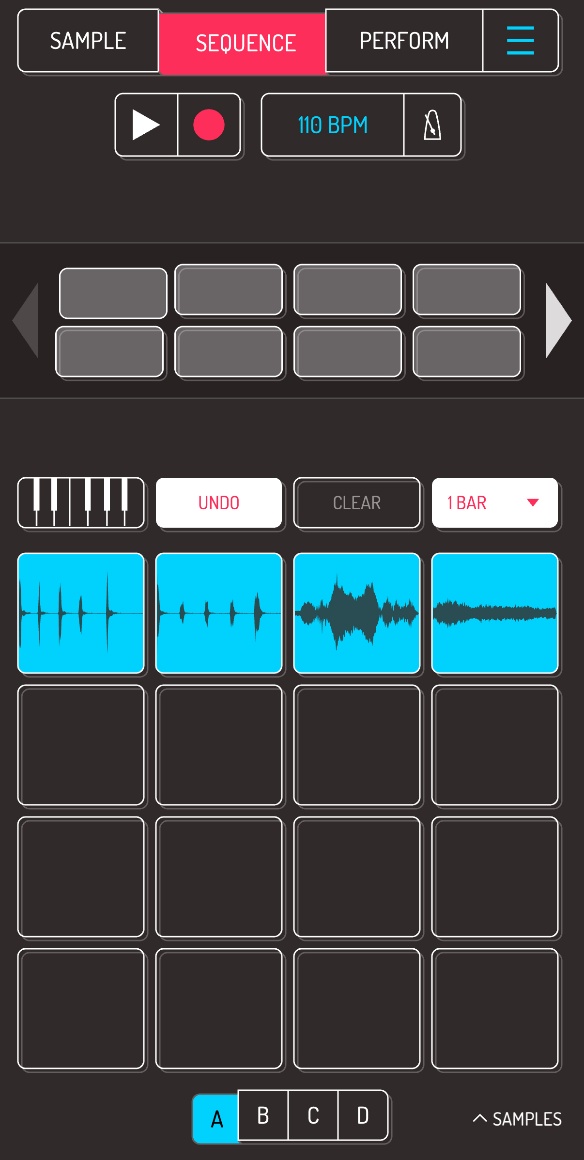
Tap the Sequence button at the top of the screen. This is where we will create and record our rhythms.
Step 2: Turn on Recording#
Tap the Record button (the red dot under the word Sequence) and play your rhythm on the pads.
You can start with a simple rhythm made of just a few sounds.
To stop recording, tap Record again. To play back your recorded beat and hear the result, tap Play (the white triangle next to the dot).
Mini Task#
Give your beat a title. What will your first track be called?
Tip: Before you start recording, practice your rhythm a few times.