

We are working in Koala Sampler! In this task, we will record our own samples—the unique sounds we will use to create our very first piece of music.
You can learn more about the app and its features in the previous card: Koala Sampler.
Step 1: Start Recording#
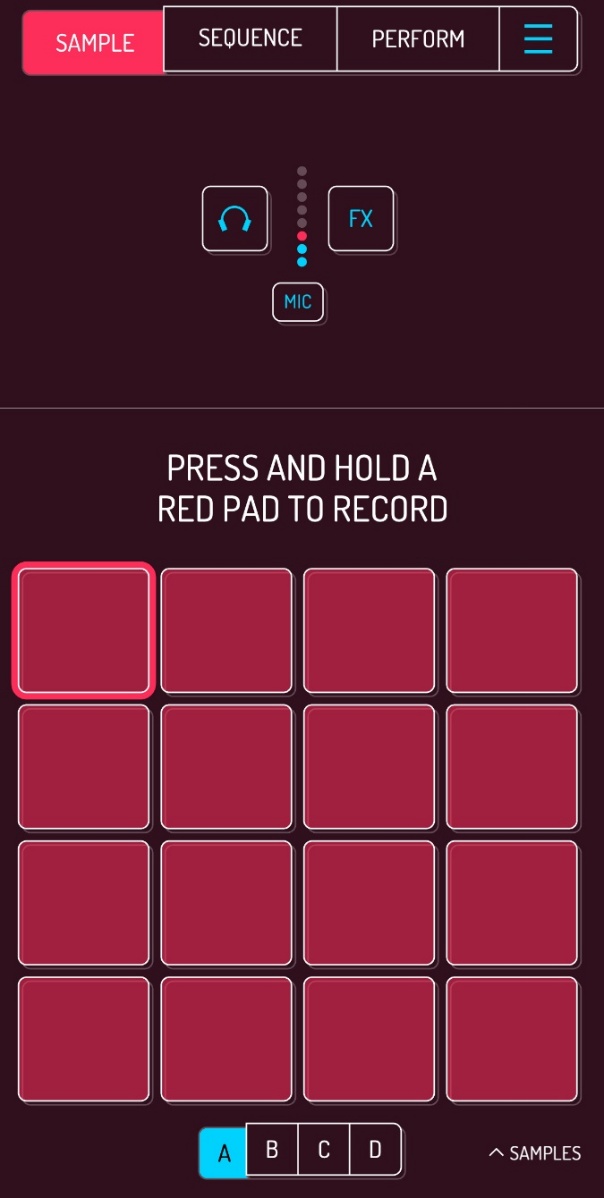
Tap and hold a pad of your choice (a red square) to start recording through your device’s microphone.
Step 2: Record Your First Sample#
Record a short sound from your surroundings. For example:
- a hand clap,
- a finger tap on the table,
- any funny sound you can make.
Your sound will be automatically saved under the selected pad.
Step 3: Listen to Your Recording#
Tap the exact same pad again (this time quickly) to hear your first sample!
Mini Task#
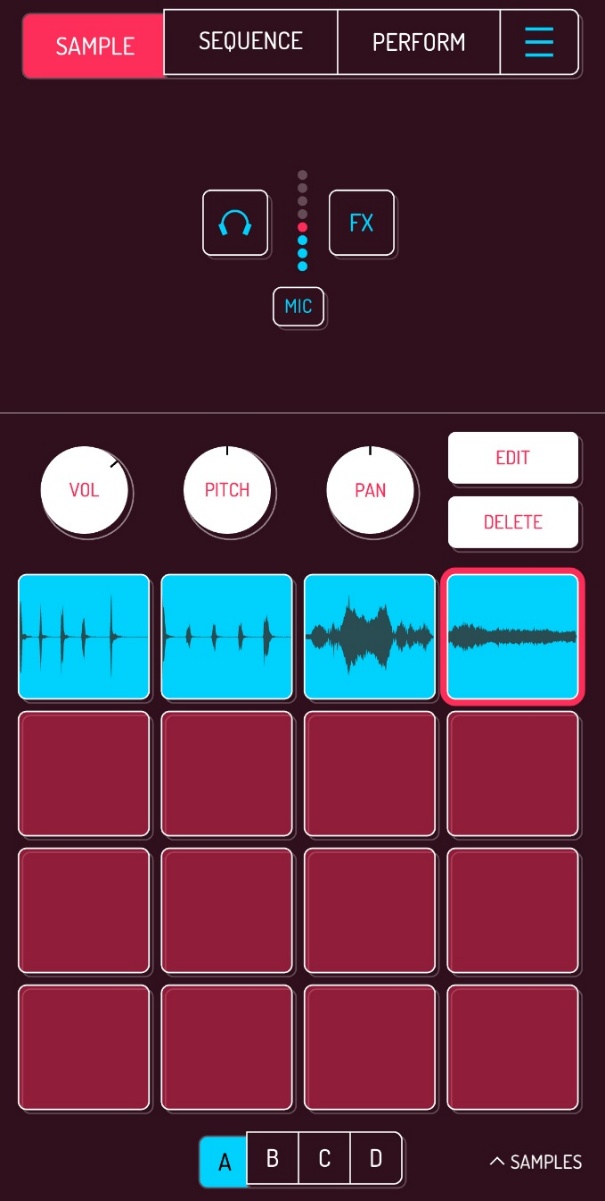
Using the next empty pads, record:
- One quiet sound,
- One loud sound,
- One very strange sound.
Once you have completed this task, you will have samples recorded under each pad in the top row.
Tip: The best starter samples are short, clear, and punchy!